
Canva and AI for social posts in 2026
What Canva's AI does for social posts in 2026, how Canva works inside Claude, and the short path from a Canva design to a post that goes out on your OK.
At a glance
- Covers
- Canva AI, Canva in Claude, and posting
- Rebbel and Canva
- Download from Canva, upload to Rebbel
- Captions
- Written for each channel
- Goes out
- Only after you say yes
- Plans
- Every plan

In 2026 you can make a post image with Canva three ways: with Canva's own AI, by asking Claude to use Canva for you, or by hand, as you always have. Rebbel doesn't connect to Canva directly, so the honest path is short: make the image in Canva, download it, upload it to Rebbel, and Rebbel writes the caption for each channel and posts it when you say OK.
Three ways to use Canva with AI in 2026
In Canva itself. Canva launched Canva AI 2.0 at Canva Create on April 16, 2026, as a research preview. SiliconANGLE's report says you describe a design in plain words and get an editable one back, change single parts without starting over, and it learns your style and brand over time.
Inside Claude. Canva is one of the connectors that open right inside a Claude chat, per Anthropic's January 26, 2026 announcement, and Claude for Small Business uses Canva to make a campaign's assets.
By hand. You make or tweak the image in Canva yourself and let another tool write and post around it. For most owners this is still the surest way to get an image that looks exactly like their business.
Make the image so it works as a post
One message per image. A post image is read in a second while someone scrolls, so give it one line, not a paragraph. If it needs more words, they go in the caption.
Your colors and your logo, not a template's. A template is a starting point: change it until a regular would know it's you without reading the name.
Your real things first. A real image of your shop, your work or your product beats a stock scene. Use AI to fix the light or the crop, not to make a place or a result that isn't yours.
One design per shape. A feed post, a story and a pin are different shapes. Make each one in its own size rather than stretching one design to fit.
Write the caption on its own
The image stops the scroll; the caption does the work. Write it for the channel it goes to: short on Instagram, a line with the link on Facebook, a first-person note on LinkedIn. Put the facts, like the price, the date and how to book, in the caption where people can copy them, not only in the image.
If you use Claude for the words, these prompts give it what it needs to write in your voice.
From Canva to posted, with Rebbel
Rebbel doesn't connect to Canva directly, and the path is short anyway. Download your design from Canva as an image file. In Rebbel, start a new post, add the image with Upload, and tap Write it for me: Rebbel writes the caption from your brand guide. Or put the image in your brand's media library, where it goes in as-is, ready for any future post.
When it looks right, schedule it or publish it now. Nothing goes out until you say so. Facebook and Instagram are on every plan, Free included, and X, Threads, Bluesky, LinkedIn and Pinterest are on Solo and above.
Working from Claude instead? Rebbel's connector can save an image into your brand's library from a public link to it, then attach it to a post that's waiting on an image.
Who it's for
- Owners who already design their posts in Canva and want them out on a steady rhythm.
- Anyone deciding how much of a post to hand to AI.
Set it up
- Make the image in Canva and download it as an image file.
- In Rebbel, start a new post, add it with Upload, and tap Write it for me.
- Schedule it, or publish it now.
Good to know
- Rebbel doesn't connect to Canva directly: you download the design and upload it.
- Images you put in your media library go in as-is, ready for any future post.
- Nothing publishes without your OK, on any plan.
Common questions
Does Rebbel connect to Canva?
No. Download your design from Canva as an image file and upload it to Rebbel. Rebbel writes the caption from your brand guide and posts it when you say so.
What is Canva AI 2.0?
Canva's AI update, launched April 16, 2026 at Canva Create as a research preview. You describe a design in plain words, get an editable one back, and change single parts without starting over.
Can I use Canva inside Claude?
Yes. Anthropic named Canva among the interactive connectors that open inside a Claude chat, in its January 26, 2026 announcement.
Should I use AI images in my posts?
Use your real images first: your shop, your work, your product. Use AI to fix the light or the crop, not to make a place or a result that isn't yours.
Keep reading
GuideNov 19, 2026 · Every plan
Top prompts to give Claude to create a social post
Prompts for Claude that write a social post in your voice: the five things every prompt needs, eight prompts to copy, and how to get the post out.

GuideOct 7, 2026 · Every plan
Turn your website into a month of social posts
Paste your website and Rebbel reads your copy, images, colors and offers, then drafts social posts in your voice. See the first one before you sign up.
Setup guide →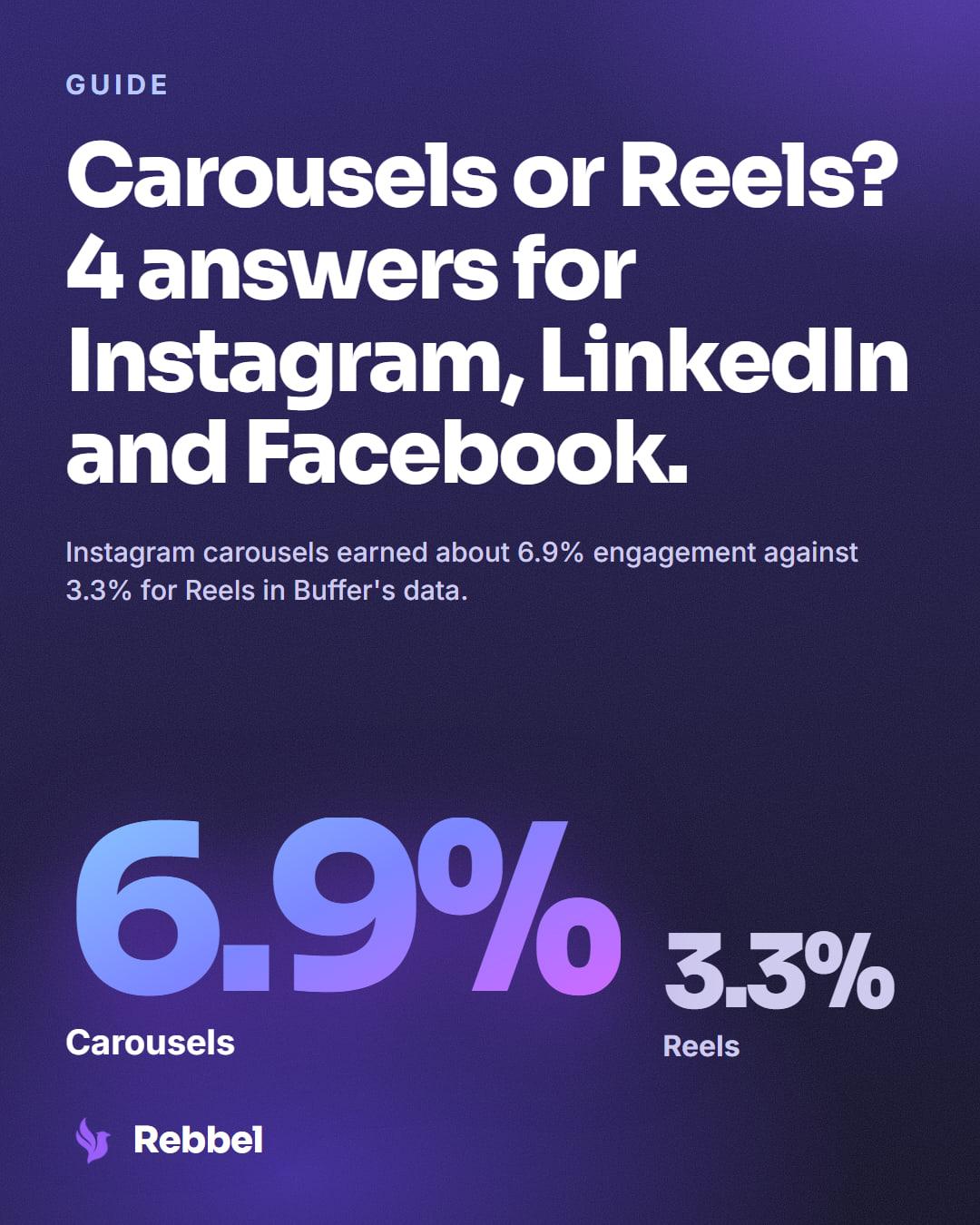
GuideNov 8, 2026 · Every plan
Carousels or Reels? 4 answers for Instagram, LinkedIn and Facebook.
On Instagram, carousels earn more engagement from people they reach, and Reels reach more. What Buffer's data says for Instagram, LinkedIn and Facebook.
Last reviewed Nov 26, 2026.