
AI that posts to Instagram and Facebook for your business
What you need for AI to post to Instagram and Facebook for you, what it should and shouldn't do on its own, and how Rebbel does it from your website.
At a glance
- You need
- A Facebook Page and an Instagram professional account
- Rebbel starts from
- Your website address
- Plan
- Facebook and Instagram on Free
- Goes out
- Only after you say yes
- Plans
- Every plan
Yes, AI can post to Instagram and Facebook for your business. It needs a Facebook Page, an Instagram professional account linked to that Page, and your permission to publish. The good ones also learn your business first and wait for your OK before anything goes live. Here is what to set up, what to expect, and how Rebbel does it.
What you need first
A Facebook Page for your business. Rebbel publishes to Facebook Pages, so if your business only has your own profile, make a Page first. It takes a few minutes.
An Instagram professional account, linked to that Page. Meta's developer guide to publishing says an app can post through its tools only to an Instagram professional account.
Your permission, given through Facebook's own sign-in. A good app asks you to connect your Page and choose what it may do. It never asks for your password.
What an app can post for you
Through Meta's tools, an app can publish single images, videos, Reels, stories and carousels to Instagram, and a carousel can hold up to 20 images or videos, per the same guide. Meta also sets a daily limit on how many posts an app can publish for one account, well above what a small business posts.
What you post is still your choice. A steady rhythm of real posts, a few a week, beats a burst of posts and then a silent month.
What the AI should do, and what it shouldn't
It should write from your business, not your trade's average; make each post for the channel it goes to, since Instagram and Facebook read differently; use your real images when you have them; post at the times you pick; and read back how each post did.
It shouldn't post something you haven't seen, invent a price, a result or a customer, or put the same post up twice. If an app can post without asking, decide whether you want that before you turn it on.
How Rebbel does it
Paste your website on Rebbel's home page and a first post in your voice, with an image made to match, appears in under 30 seconds, before you sign up. Turn your website into a month of social posts shows what Rebbel reads from your site.
Connect your Facebook Page on Rebbel's Connections page, and a linked Instagram business account connects in the same step. The Facebook and Instagram setup guide walks through it, including what to do if your Instagram isn't linked yet.
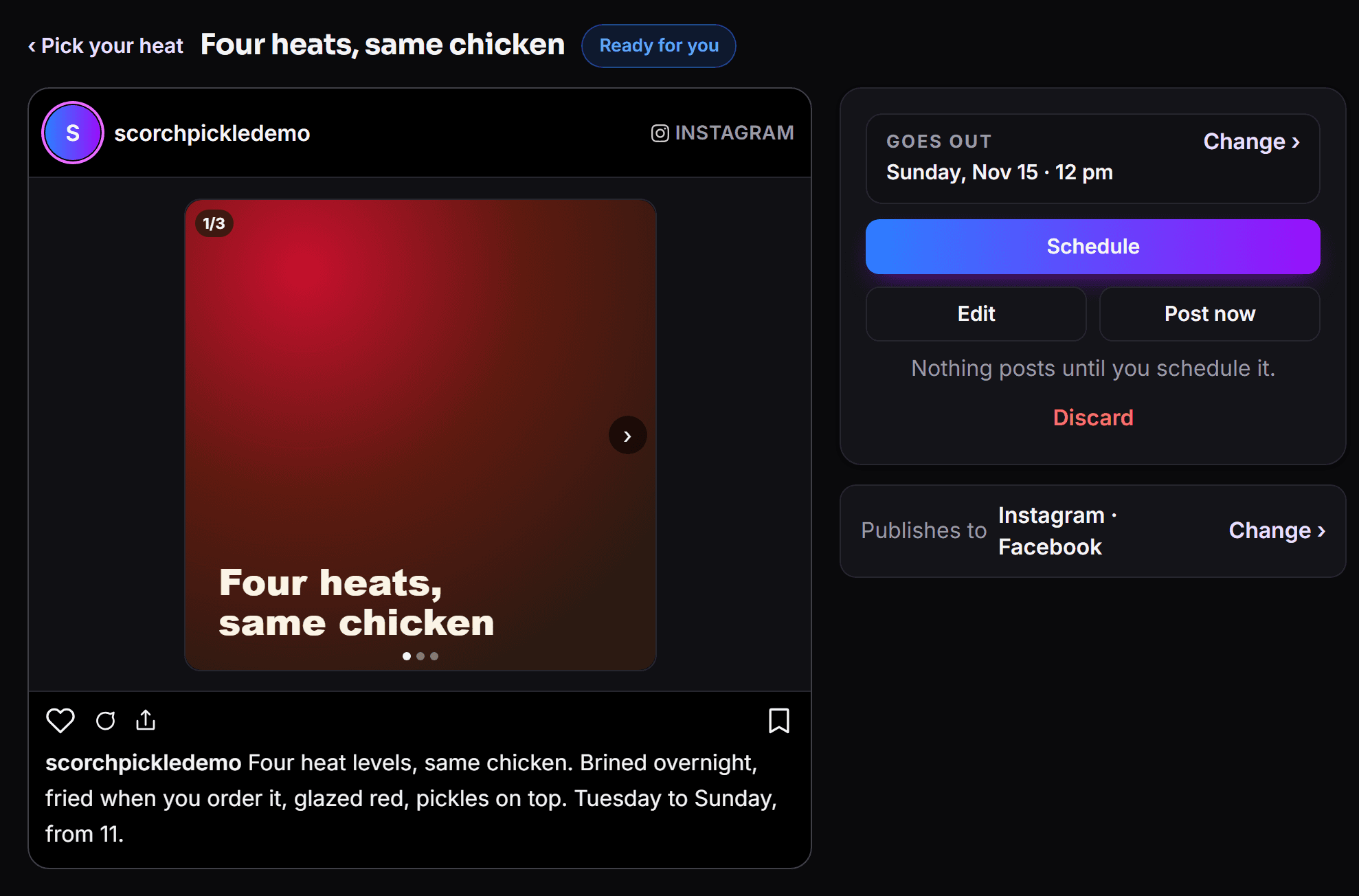
Each post is written for the channel it's going to, with an image in your colors, or your own images once you've confirmed them. Read it, ask for a change in plain words if it's off, then schedule it or publish it now. Nothing goes out until you say so.
Facebook and Instagram on the Free plan, and the numbers come back
Facebook and Instagram publishing are on the Free plan, starting with your first post free. X, Threads, Bluesky, LinkedIn and Pinterest are on Solo and above.
After a post is live, Rebbel reads back what Facebook and Instagram count for it and shows it on the post's page, so next month's posts start from what worked.
The same posts are in the Rebbel app on your phone and in your AI chat, so you can say yes to a post from wherever you are.
Who it's for
- Owners with a Facebook Page and an Instagram account that have gone quiet.
- Anyone who wants posts made and published without doing it by hand each week.
Set it up
- Paste your website on Rebbel's home page and see your first post.
- Connect your Facebook Page; a linked Instagram business account connects in the same step.
- Say yes to the posts you want, then schedule them or publish now.
The full walkthrough: Connect Facebook & Instagram.
Good to know
- Instagram needs a professional account linked to your Facebook Page.
- Facebook and Instagram publishing are on the Free plan.
- Nothing publishes without your OK, on any plan.
Common questions
Can AI post to Instagram and Facebook for my business?
Yes. It needs a Facebook Page, an Instagram professional account linked to that Page, and your permission to publish. A good app also waits for your OK before anything goes live.
Do I need an Instagram business account for AI to post?
You need an Instagram professional account. Meta's developer guide says apps can publish through its tools only to a professional account.
What can an app post to Instagram?
Single images, videos, Reels, stories and carousels, per Meta's developer guide. A carousel holds up to 20 images or videos.
Is it free?
Yes, to start. In Rebbel, Facebook and Instagram publishing are on the Free plan, starting with your first post free.
Will it post without asking me?
Not in Rebbel. Nothing publishes until you say yes to the post, from the web, your phone or your AI chat.
Keep reading
GuideOct 7, 2026 · Every plan
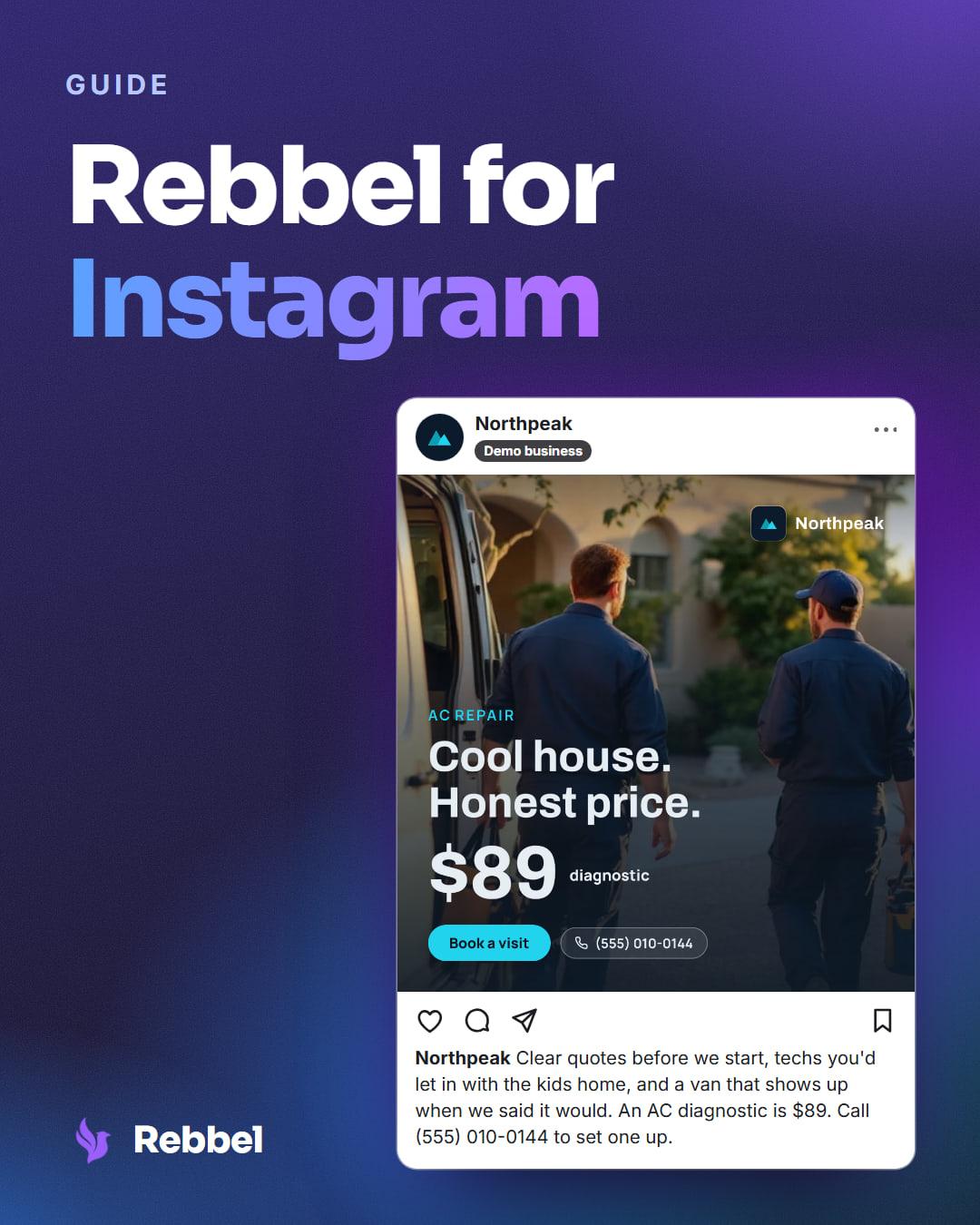
Rebbel for Instagram
Rebbel plans, writes and designs Instagram posts and carousels in your brand's look, publishes only the ones you say yes to, and shows how each did.
Setup guide →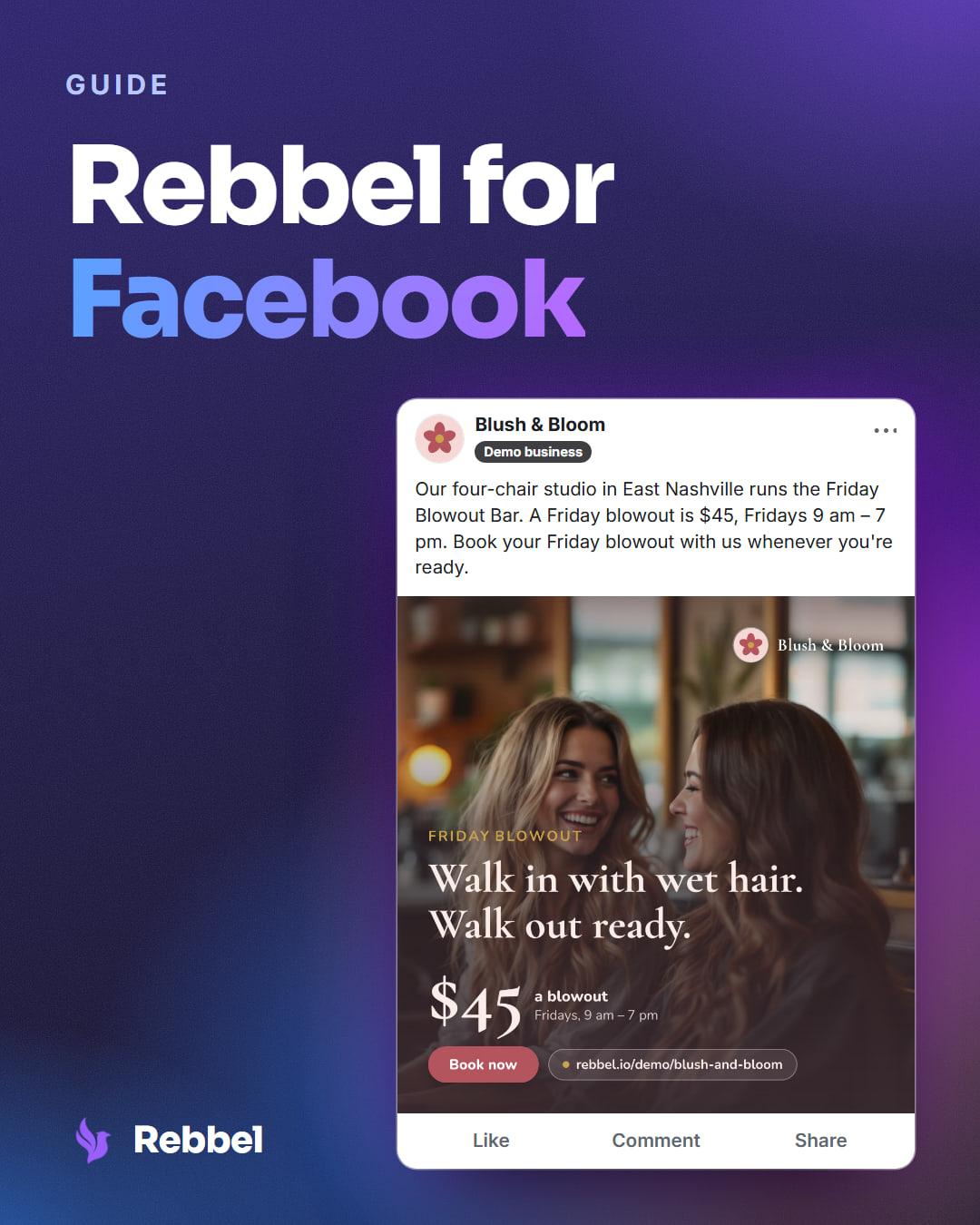
GuideOct 7, 2026 · Every plan
Rebbel for Facebook
Rebbel plans, writes and designs posts for your Facebook Page, publishes only the ones you say yes to, and shows how each one did. Free plan included.
Setup guide →
GuideOct 7, 2026 · Every plan
Turn your website into a month of social posts
Paste your website and Rebbel reads your copy, images, colors and offers, then drafts social posts in your voice. See the first one before you sign up.
Setup guide →
Last reviewed Nov 26, 2026.